

Vista Speed Secret #5: Remove Spyware, Adware, and Malware
Filed Under ( Hacks, Technology, Tips, Tutorial, Windows Secret ) by admin on 21-01-2009
Tagged Under : secret, Vista, Windows
Have you scanned your system for spyware, adware and other unwanted pests? 1 of 6 computers has some sort of Spyware or Malware! They dramatically slow down your computer because they use resources to generate popup ads, send spam, and often interfere with the operation of good programs.
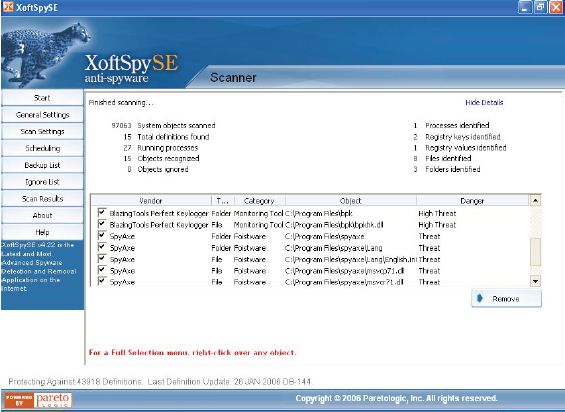
If you haven’t scanned recently, we recommend a free scan from a good anti-spyware program. We prefer to use stand-alone, high quality anti-spyware programs like XoftSpy Pro, which give us the ability to scan and repair these problems in seconds.
FINAL NOTE: Recent testing has shown that stand-alone programs do a much better job than the “all-in-one” packages (eg. Norton Internet Security) at detecting spyware, adware, and malware.
Related posts:
