Windows Vista Tips: There is no script engine for file extension “.vbs”
Filed Under ( Hacks, Technology, Tips, Tutorial, Windows Secret ) by admin on 25-02-2009
Tagged Under : Fix, Tips, Vista, Windows
If you received an error saying There is no script engine for file extension “.vbs” then you may have an incorrectly registered VBScript dll.
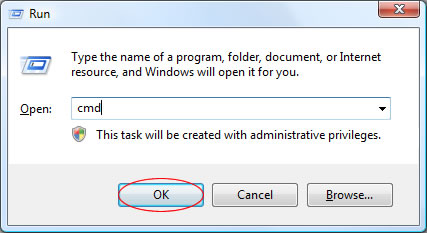
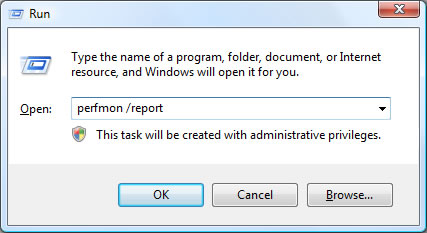
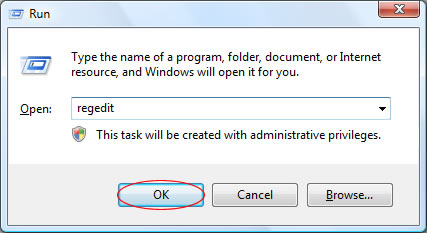
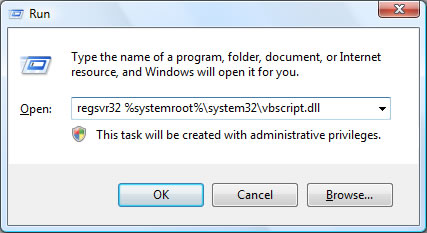
This is easily fixed by re-registering the VBScript DLL file, by loading the Run box (Press WINDOWS KEY + R to access this) and running the following command:
regsvr32 %systemroot%\system32\vbscript.dll
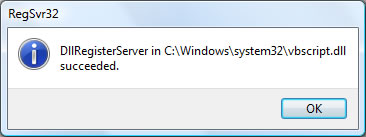
If this is completed successfully, you’ll receive the following message:
“DllRegisterServer in C:\Windows\system32\vbscript.dll succeeded.”